How to Create a Grocery or Shopping List in the 7DaysMeal App
You can create shopping lists to organize groceries and share them with users who follow you in the 7daysmeal app.
There are two ways to create a shopping list:
- Use an existing shopping list
- Create a shopping list from scratch
Option 1: Use an Existing Shopping List
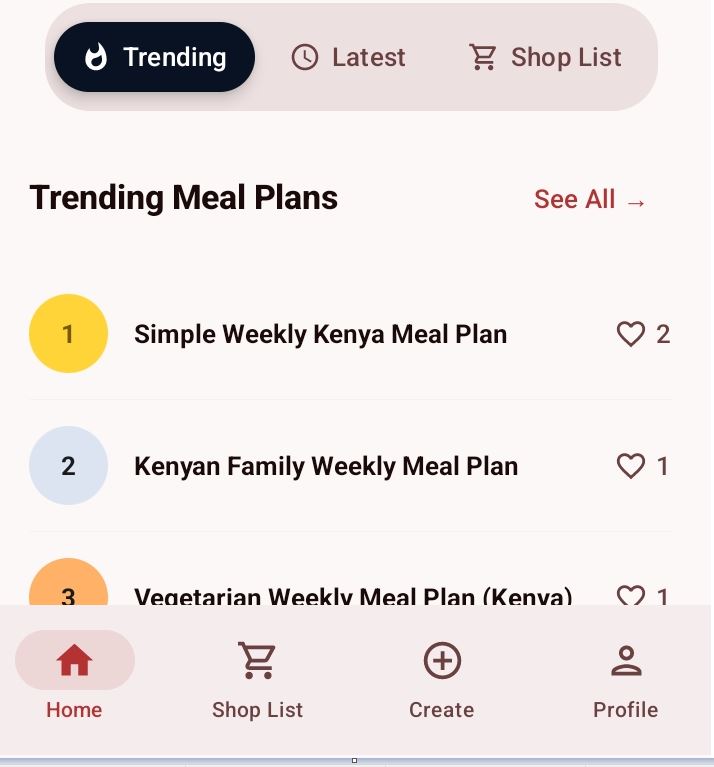
- Open the app
- Tap Shop List in the bottom navigation
- The Items Directory page will open
- Scroll down to see suggested shopping lists
- Select the shopping list you want
- Tap Add List
The shopping list will be added to your profile.
To Edit the List
Go to your profile under Shopping Lists.
You can:
- Add new items
- Delete items
- Edit item details such as:
- Name
- Quantity
- Price
Option 2: Create a Shopping List From Scratch
- Tap Profile in the bottom navigation
- Open the Shop List tab
- Select My Shopping Lists
- Tap the Plus (+) button at the top
- Enter the shopping list title or name
- Tap Create
- Add Items to Your Shopping List
You can add items in two ways:
Method 1: Add Items Manually
- Tap the Plus (+) icon
- Enter:
- Item name
- Quantity
- Price
Method 2: Search and Add Items
- Use the search box at the top of the shopping list
- Search for an item name
- Tap + Add next to the item
You can edit or delete items anytime.
You can also delete the entire shopping list if you no longer need it.
Learn about how to share a shopping list with other users.